
The Deskband for displaying drive activity shows the read and write accesses on the computer. You can activate the drive activity here: Start > QuickStart > Show drive activity in the task tray. A search on the respective drive can be started by right-clicking.
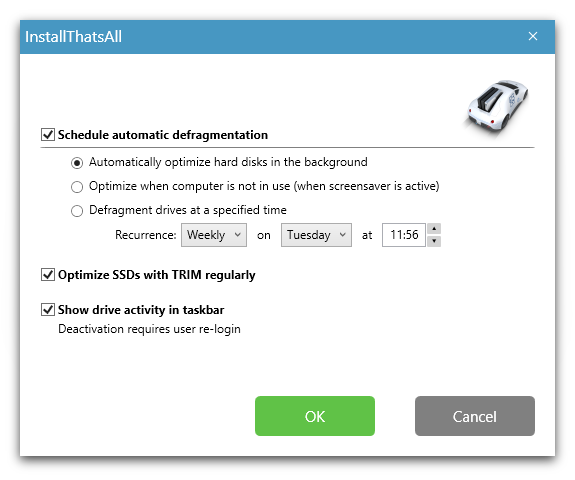
O&O Defrag - Configuration
You can hide the drive activity by right-clicking on one of the drive letters in the task tray, for this select Close.

Drive activity